Prerequisites:
- Java 17
- Maven 3.x
- Higson Studio
The complete Higson Runtime API reference — covering the public classes and interfaces used to embed Higson in your application, such as HigsonEngineFactory and HigsonEngine — is published as JavaDocs.
We will show how to configure Higson Engine using Spring Boot configuration
Maven Configuration#
Apart from standard spring boot dependencies, you need to include higson-runtime dependency, available in Maven Central.
|
|
Another needed dependency is the JDBC driver to the database of choice, e.g., H2, Oracle, Postgres, MsSQL or MySQL and database connection pool managing library:
|
|
Properties#
Add Higson Runtime data source properties to application.properties file.
|
|
Properties are available here
Spring Configuration#
Add required beans to your java class annotated with @Configuration:
|
|
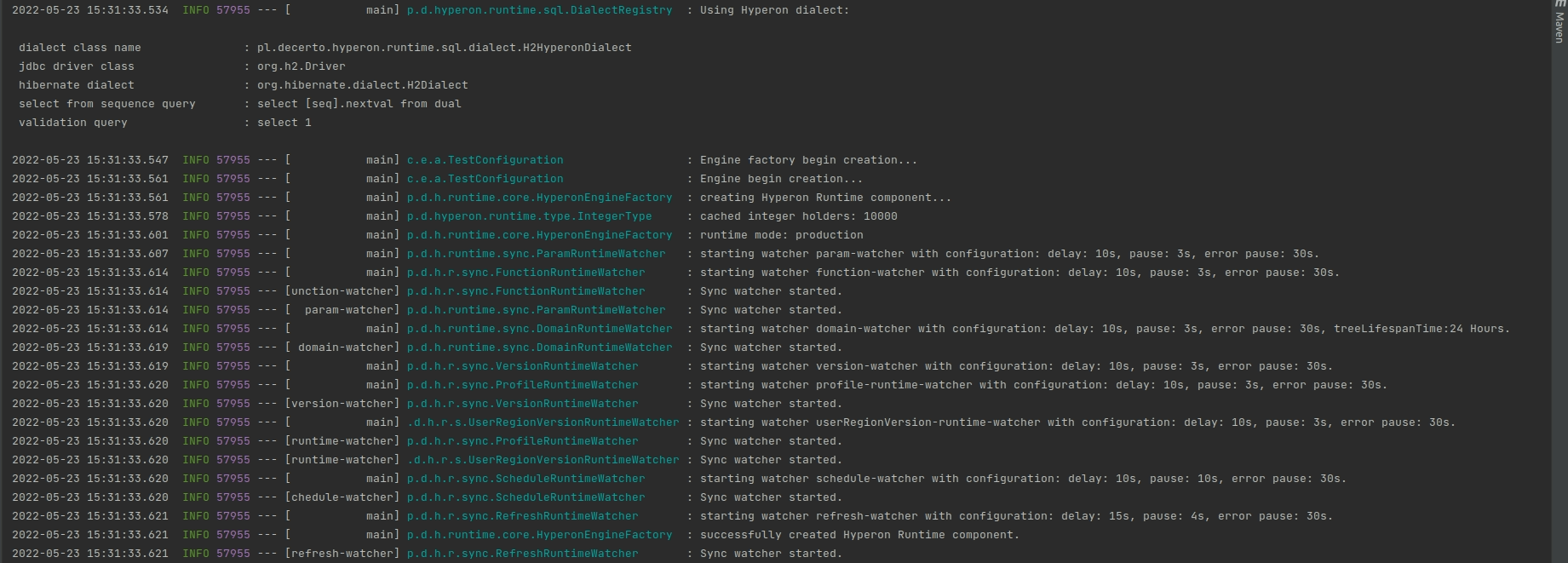
The application is ready to start. After successfully starting the application, you can see similar log output:
Run Higson Runtime REST in Test Mode Using Snapshot-Based Configuration#
It is possible to run the Higson Runtime in test mode using a configuration loaded directly from a snapshot. In this mode:
- The runtime does not require a database connection, as the entire configuration is sourced locally from the snapshot.
- The environment operates in read-only mode.
- Watchers are disabled, as no changes to the configuration are expected.
- Test mode is mutually exclusive with development mode and cannot be used simultaneously.
- This setup does not support tables from external data sources.
To use runtime in test mode, you need the following configuration:
private String pathToSnapshot = "C:\Users\UserName\Downloads\snapshot.zip"

@Bean(destroyMethod = "destroy")
public HigsonEngineFactory getHigsonEngineFactory() {
    log.info("Engine factory begin creation...");
    HigsonEngineFactory higsonEngineFactory = new HigsonEngineFactory();
    higsonEngineFactory.setDataSource(new HigsonSnapshotDataSource(new File(pathToSnapshot)));
    return higsonEngineFactory;
}

@Bean
public HigsonEngine getHigsonEngine(HigsonEngineFactory higsonEngineFactory) {
    log.info("Engine begin creation...");
    return higsonEngineFactory.create();
}