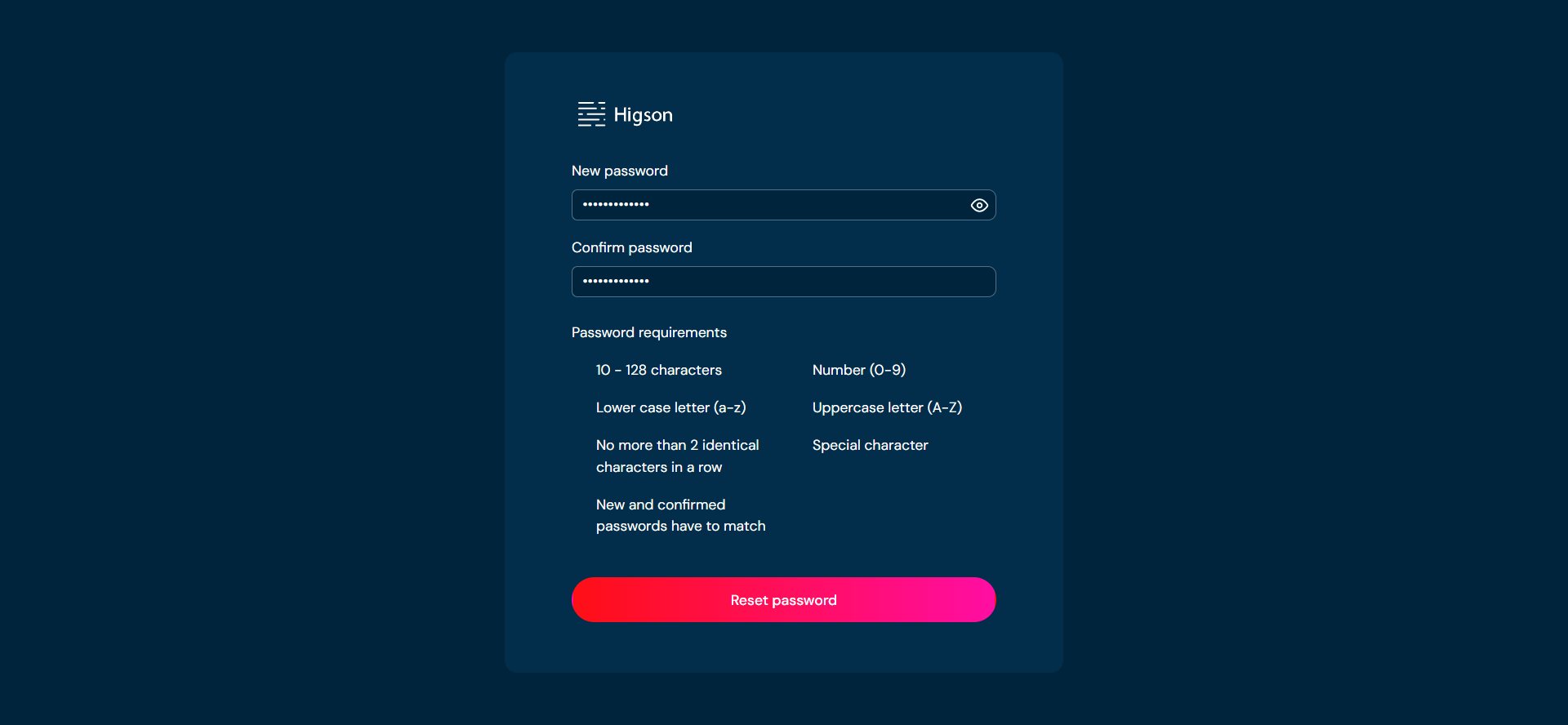
Logging in is necessary to use Higson features and functionalities. Once Higson Studio is opened, you will be directed to the login page automatically.
Before logging in, ensure that you have the following:
- A registered account: You must have a valid account created within Higson. If you have not signed up yet, please contact your system administrator.
- Username and password: Make sure you have your unique username and password associated with your account. If you do not remember your credentials, there is a Forgot Password option available on the login page. Utilize this option to reset your password.
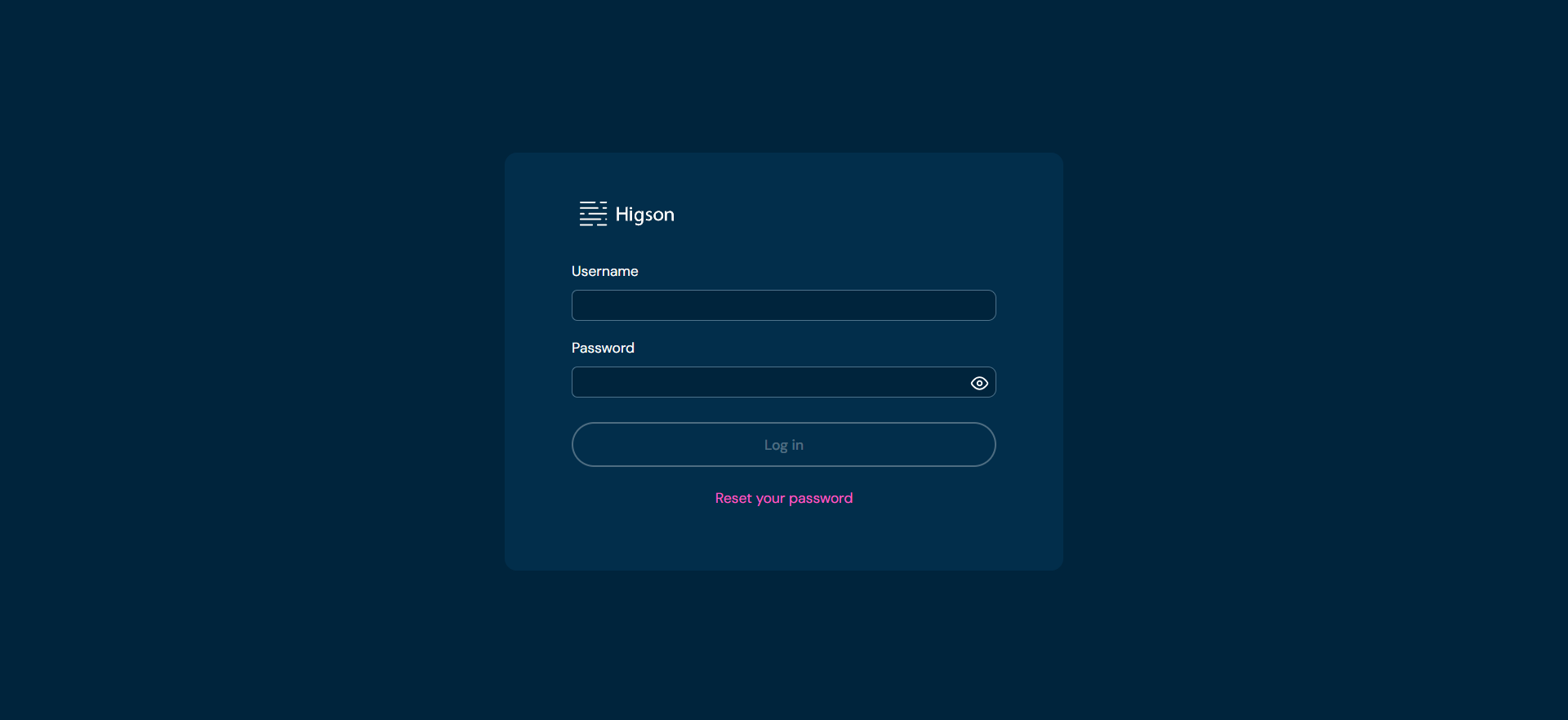
Logging in steps
- Launch Higson Studio
- In Username field, enter your unique username.
- In Password field, enter the password associated with your account.
- Click on Log in button
Resetting password
If you have forgotten your password or need to change it for any other reason, you can utilize the password reset option. The password reset process involves the following steps:
-
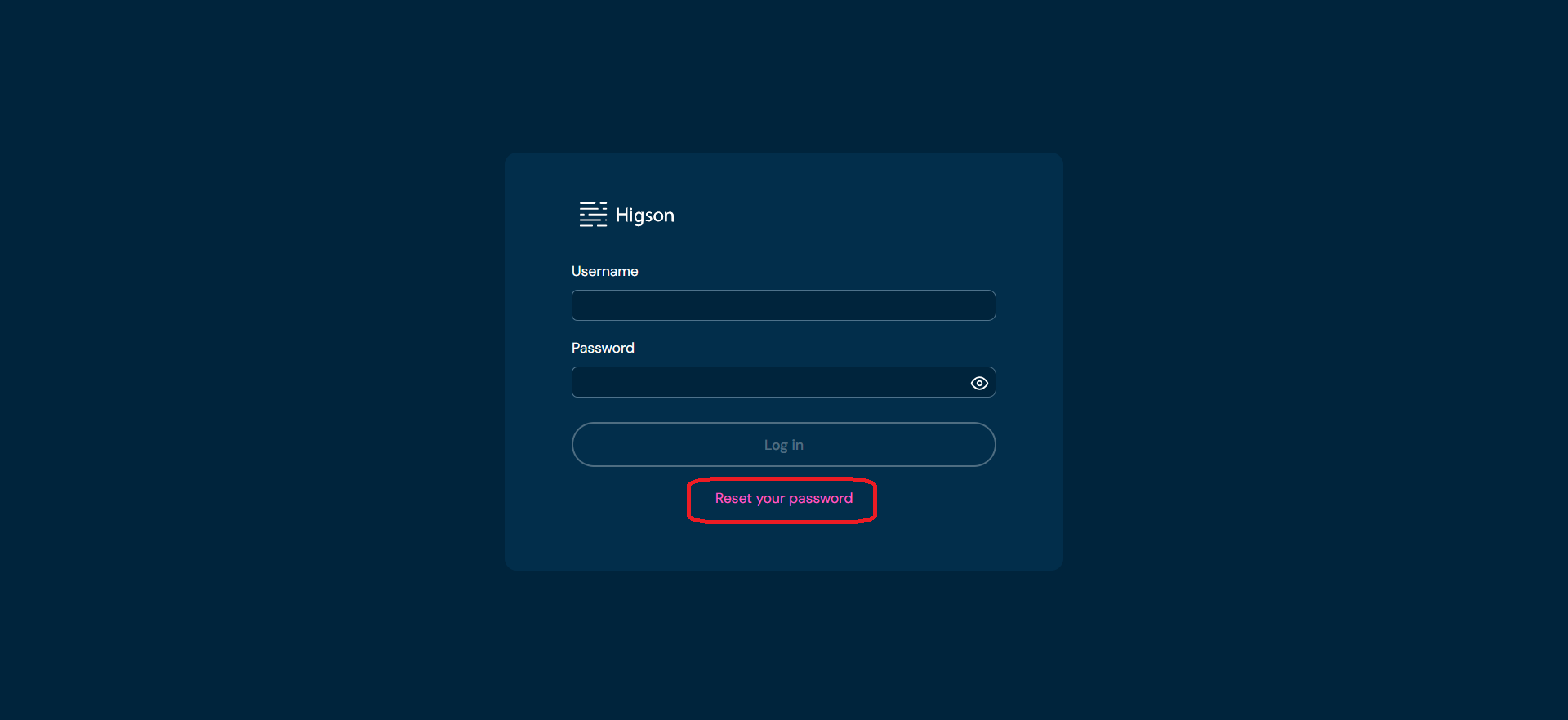
Click Reset your password.
-
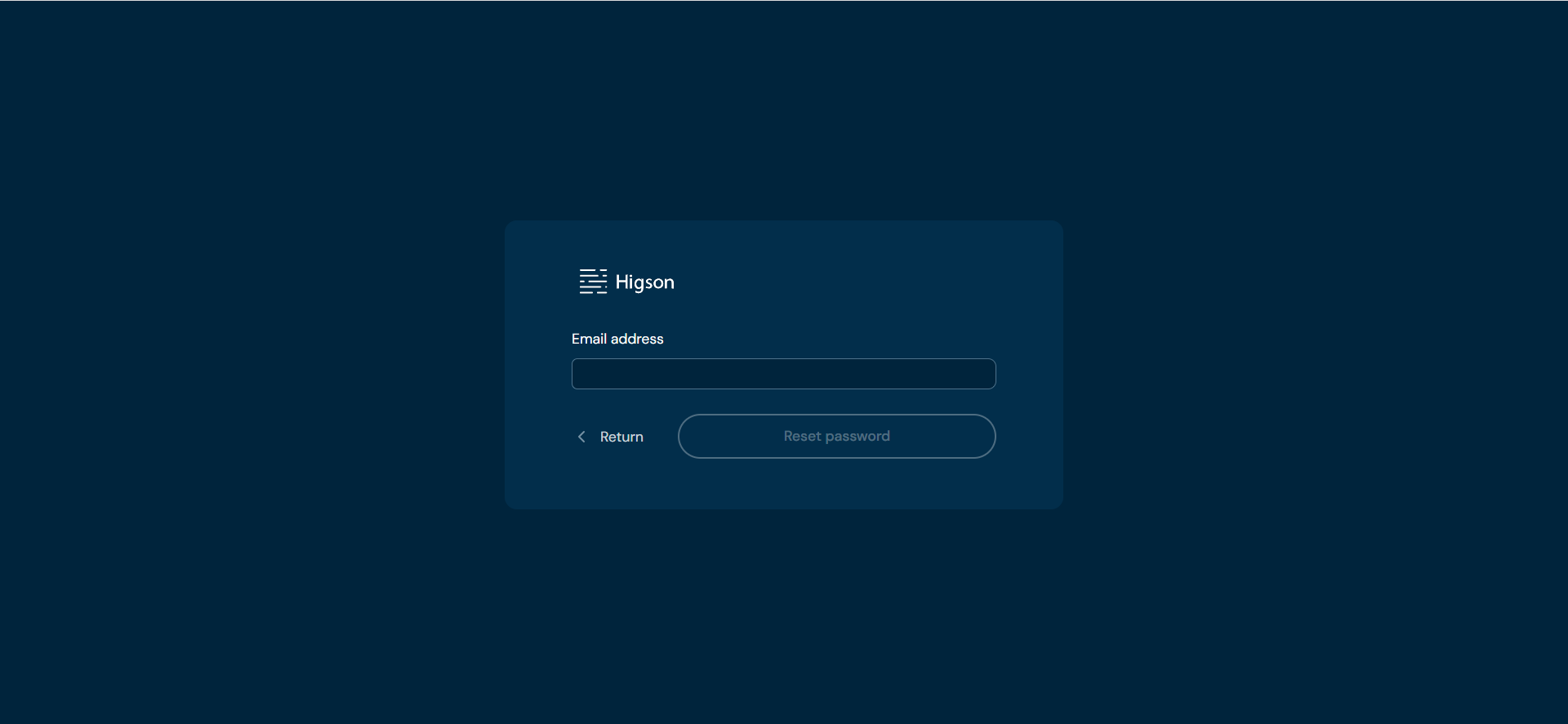
Enter email linked to your Higson account. Check your email inbox, including the spam or junk folder, for the password reset email.
-
Upon clicking the hyperlink provided in the email, you will be directed to a page where you can set a new password for your account. Enter a new password. Retype it in the confirmation field.
-
Once you have entered and confirmed your new password, click Reset password button to save your new password.