Grant allows using one or few functions in a Higson system, for example, authority to read a list of decision tables, change decision tables, etc… designers form these kinds of privileges available to users from the Higson team. Nevertheless, nothing stay on your way to set new grants.
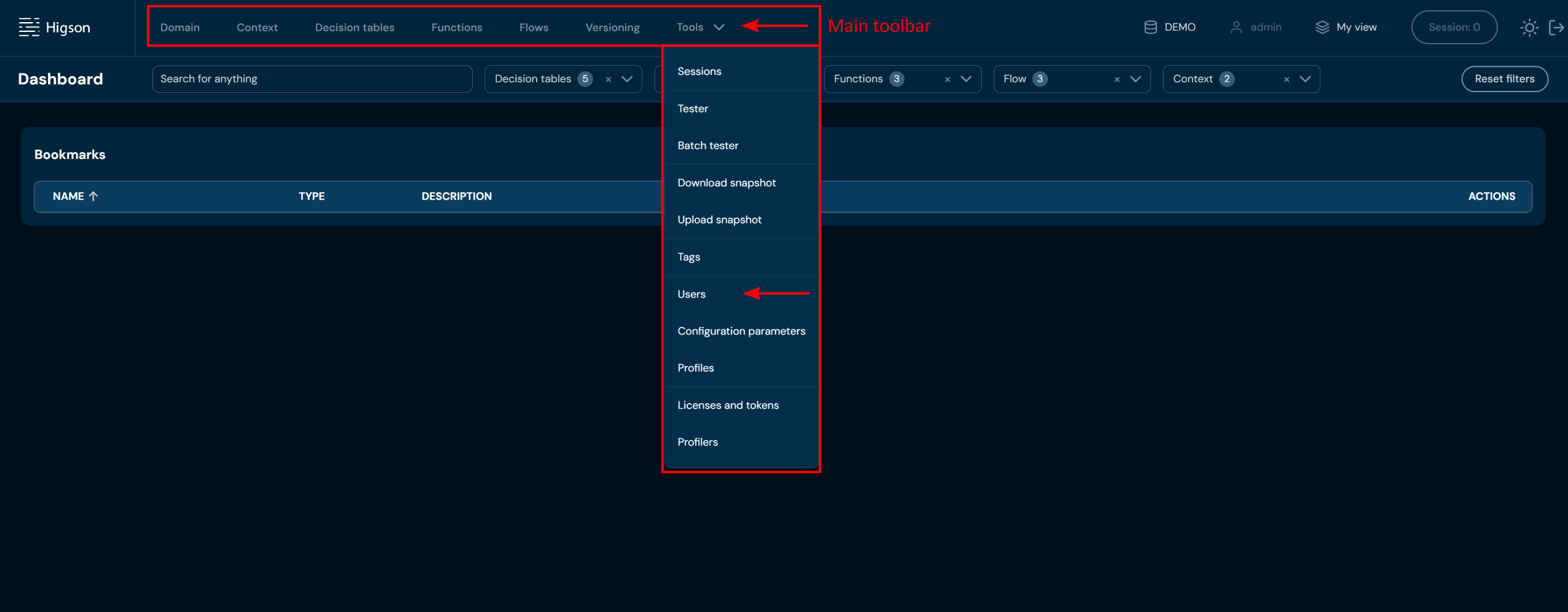
In order to see Grants, select Tools → Users in Main Toolbar.
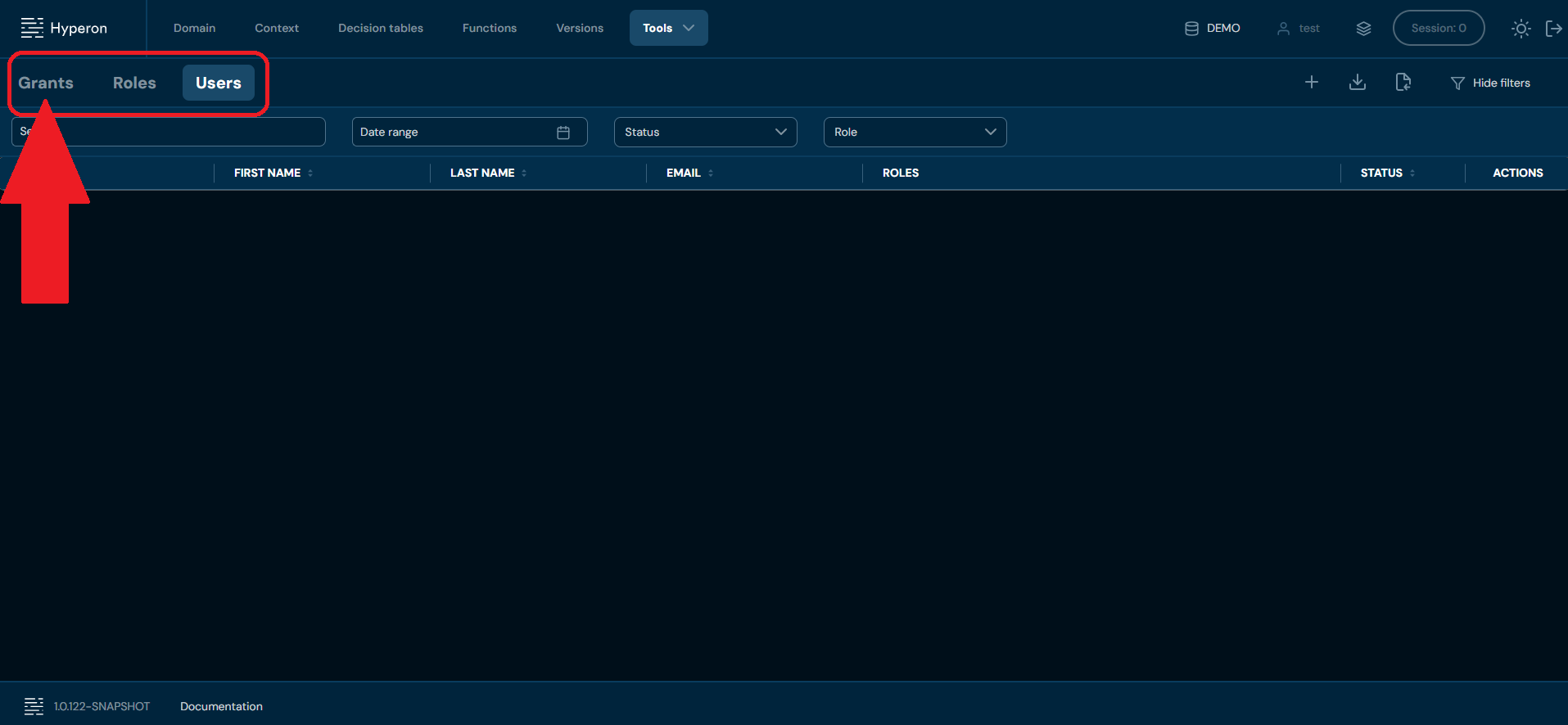
 Then, select Grants tab.
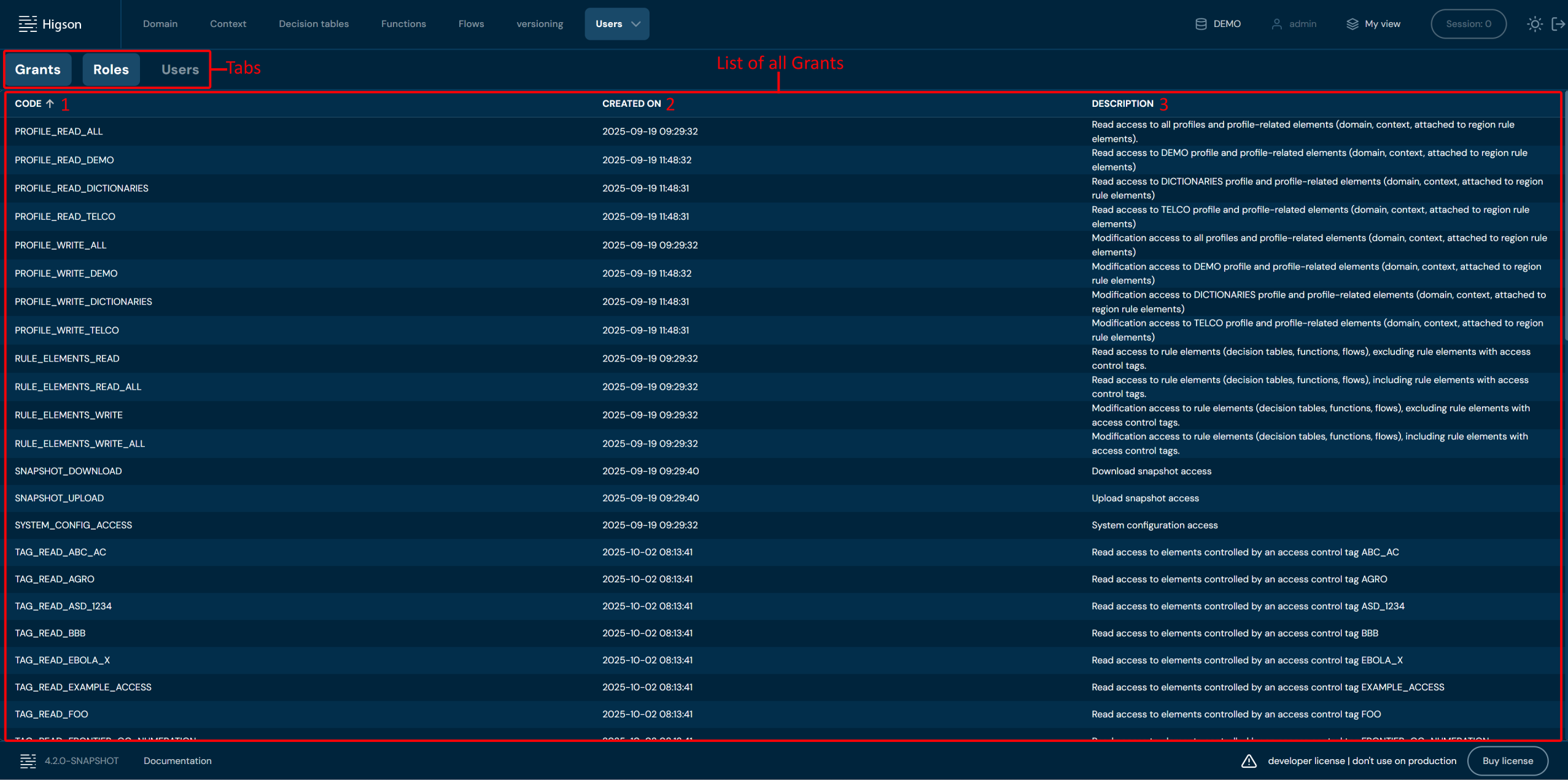
 After you enter Grants you will see screen of all Grants:
| No. | Column | Description |
|---|---|---|
| 1. | Code | Full grant code/name. Grant code and Grant name are interchangeable. You can sort this column by left-clicking on the arrows visible next to the label. |
| 2. | Created on | Date of creation of a grant. You can sort this column by left-clicking on the arrows visible next to the label. |
| 3. | Description | Full grant description. You can sort this column by left-clicking on the arrows visible next to the label. |
You can switch between Grants, Roles and Users screens by left-clicking on the desired Tab.
